

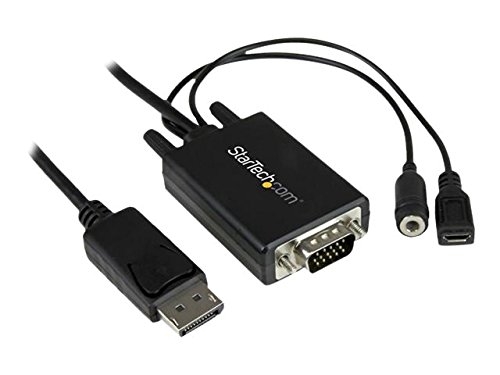
Startech Displayport To Vga Adapter Cable With Audio - 6ft (2m) Dp2vgaamm2m
| SKU: | 223691 |
|---|---|
| MPN: | DP2VGAAMM2M Link |
| Manufacturer: | http://www.startech.com/au |
| Brand: | Startech |
| Warranty: | 1 Year Manufacturer's return to base |
| Availability: |
Preorder 2-3 weeks |
| Fright Estimate |

Description
Specifications
| Connector(s) | |
| Connector B | 3.5 mm Mini-Jack (3 Position) Female |
| VGA (15 pin, High Density D-Sub) Male | |
| Connector Type(s) | USB Micro-B (5 pin) Female |
| Environmental | |
| Humidity | 40%~50%RH |
| Operating Temperature | 0?C to 70?C (32?F to 158?F) |
| Storage Temperature | -10?C to 55?C (14?F to 131?F) |
| Hardware | |
| Active or Passive Adapter | Active |
| Adapter Style | Cable Adapters |
| Audio | Yes |
| Converter Type | Cable Adapters |
| Packaging Information | |
| Shipping (Package) Weight | 135.6 g [4.8 oz] |
| Connector(s) | |
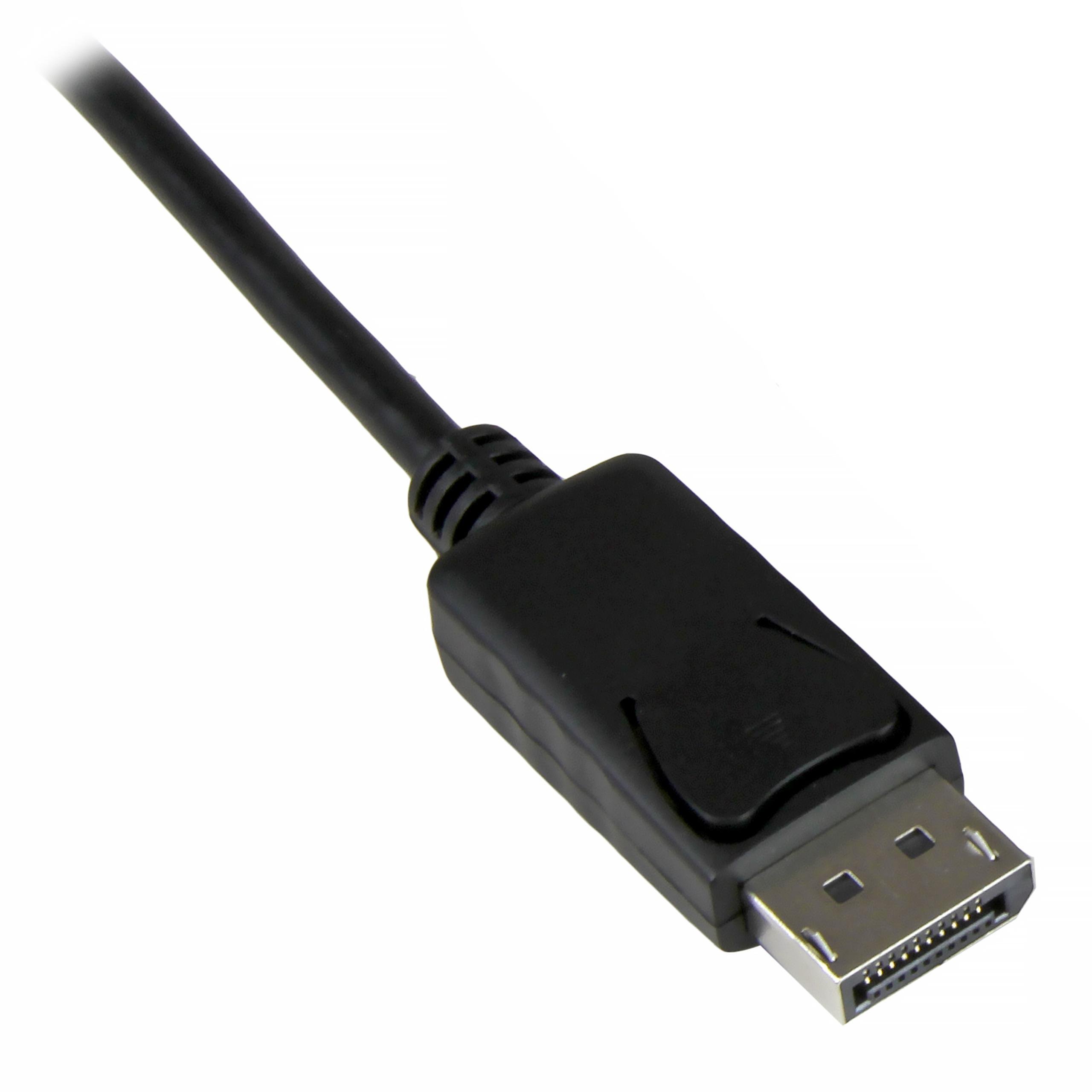
| Connector A | DisplayPort (20 pin) Male Latching |
| What's in the Box | |
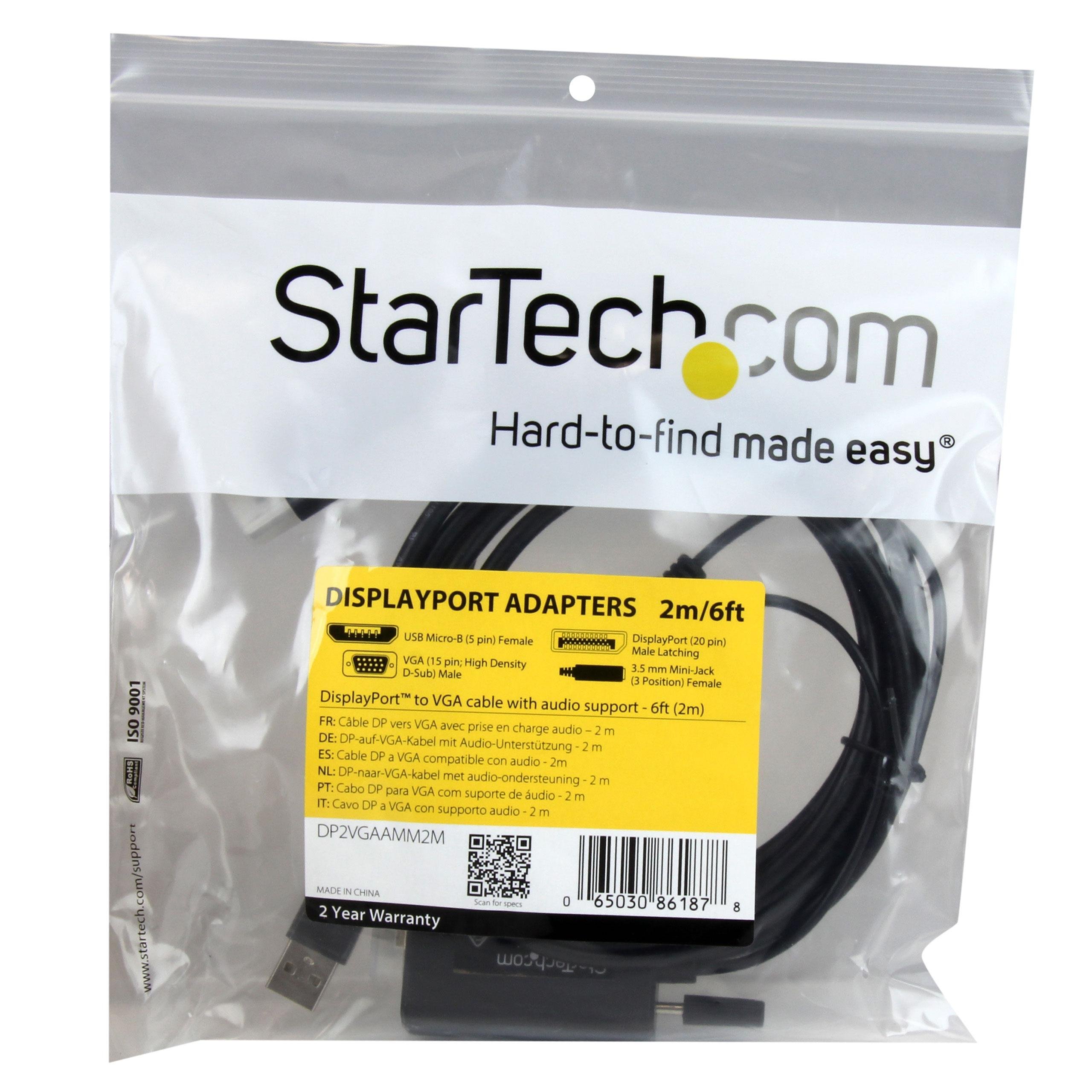
| Included in Package | 2m DiplayPort to VGA adapter cable with audio |
| 0.5m Micro USB cable | |
| Power | |
| Power Source | USB-Powered |
| Physical Characteristics | |
| Product Weight | 135.6 g [4.8 oz] |
| Product Length | 2 m [6.6 ft] |
| Color | Black |
| Cable Length | 2 m [6.6 ft] |
| Performance | |
| Wide Screen Supported | Yes |
| Maximum Digital Resolutions | 1920x1200 / 1080p (input) |
| Maximum Analog Resolutions | 1920x1200 / 1080p (output) |
| Audio Specifications | 2-channel stereo (3.5mm) |
Vendor Info
Now you can organize your workspace with less mess than ever before.
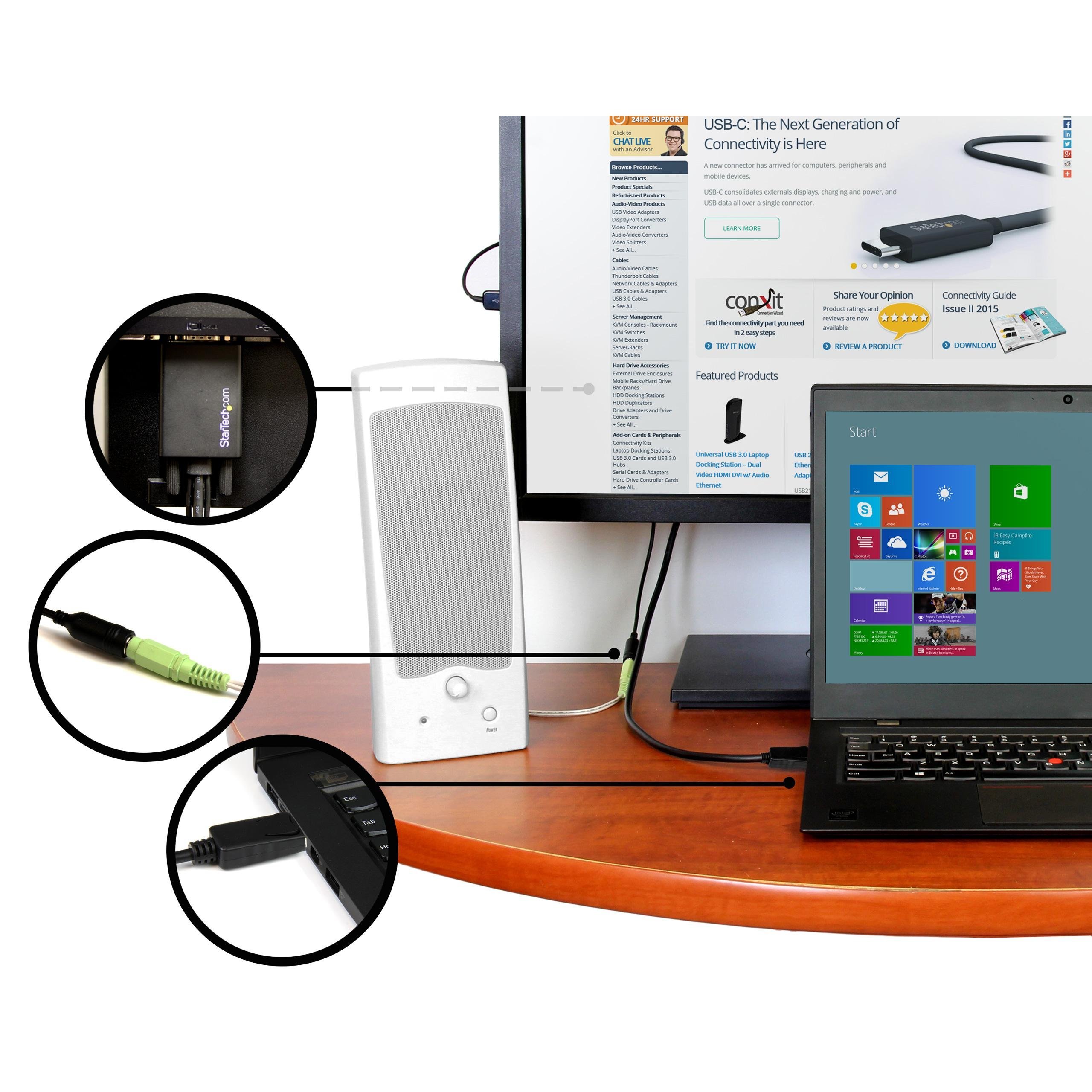
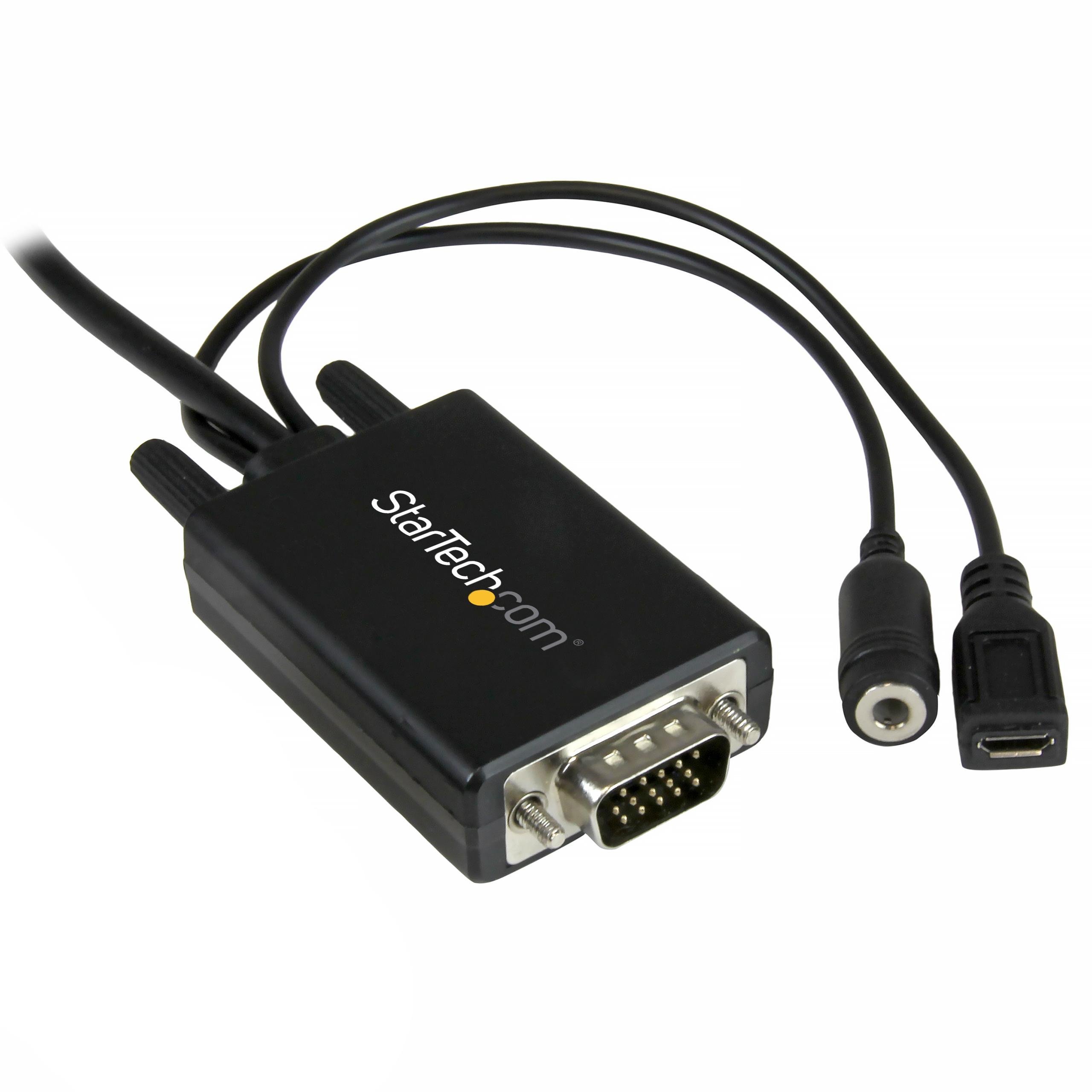
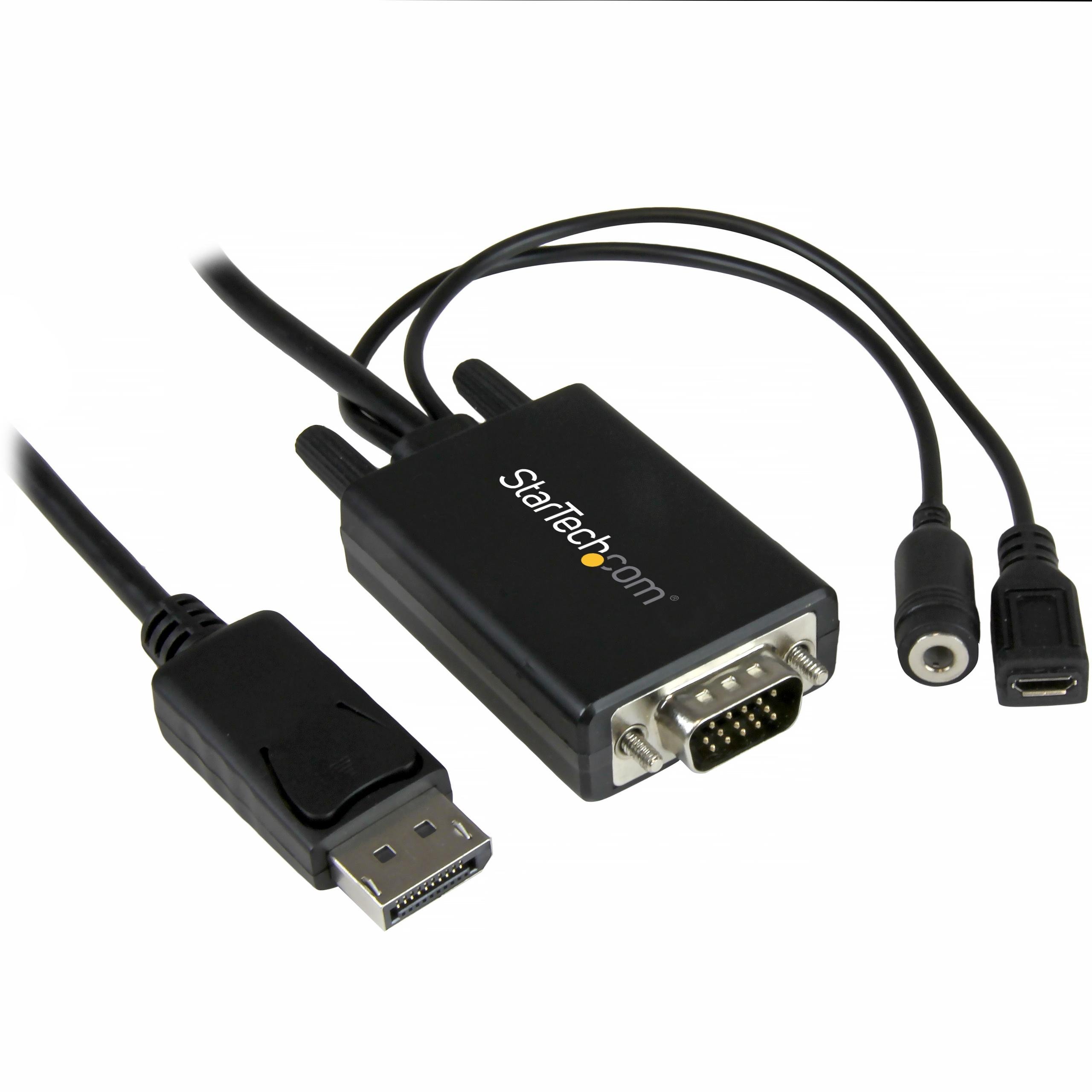
This unique 6-foot DisplayPort™ to VGA adapter cable features a built-in audio port, which enables you to connect a VGA monitor as well as speakers to your DisplayPort (DP) equipped desktop computer.
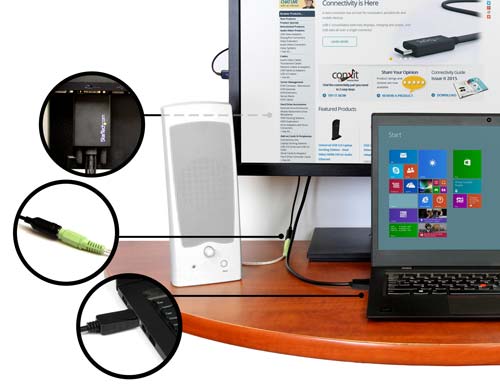
Create a clutter-free environment
Remove the cable clutter from your desk. With the built-in audio port you no longer need to run a separate audio cable from your monitor or speakers directly to your desktop or laptop computer. Simply plug the audio cable from your speakers into the adapter cable for a simple and tidy solution.
In order to use the audio function of the adapter, it needs to be powered through USB. Simply connect a Micro-USB cable into the adapter from your computer, monitor or USB grommet in order to provide the necessary power.
Substitute for a damaged audio port
The adapter guarantees you always have all of the connections you need. If the audio port on your computer is damaged or blocked, this adapter cable ensures you still have sound available for watching video presentations, listening to music while you work or chatting with your colleagues over Skype™.
The DP2VGAAMM2M is backed by a 2-year StarTech.com warranty and free lifetime technical support.
